What is Bad Sector on HDD?
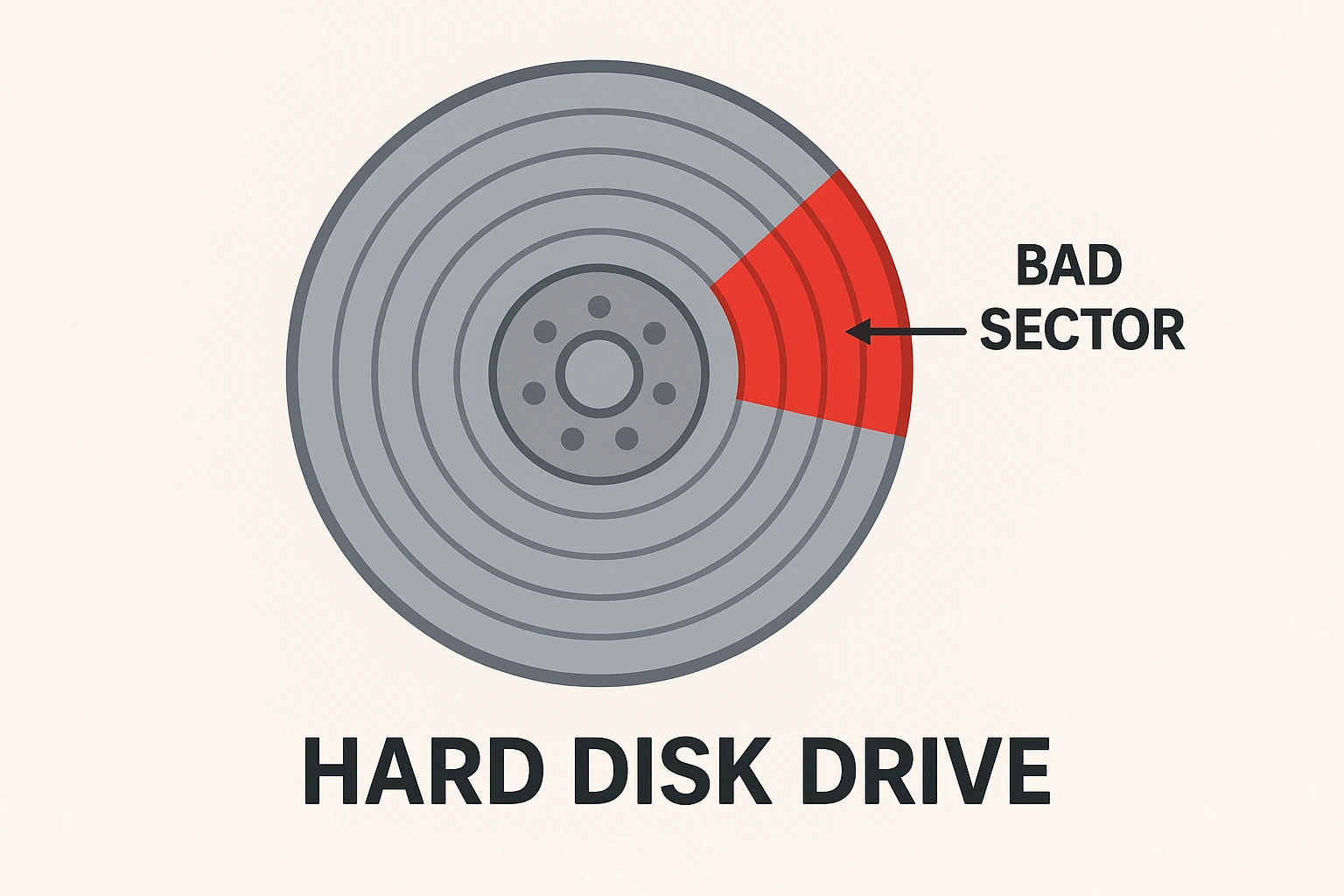
An HDD bad sector (Hard Disk Drive bad sector) is a portion of the disk’s storage surface that can no longer reliably store data. In simpler terms, it’s a small “damaged” area on the hard drive where information can’t be read from or written to correctly.
A traditional HDD stores data on magnetic platters that spin rapidly. These platters are divided into sectors (usually 512 bytes or 4 KB each).
When a sector becomes physically or logically damaged, it’s marked as a bad sector.
Types of Bad Sectors
| Type | Cause | Description |
|---|---|---|
| Physical (Hard) | Physical damage (e.g., dust, wear, shock) | The surface of the disk is physically damaged — can’t be repaired by software. |
| Logical (Soft) | Software or power issues | The magnetic information or file system data gets corrupted — sometimes repairable using disk tools. |
Common Causes
- Aging or excessive use of the drive
- Sudden power loss while writing data
- Physical shocks or vibration
- Overheating
- Manufacturing defects
- Bad cables or unstable power supply
Symptoms of Bad Sectors
- Files take unusually long to read or copy
- Frequent “cyclic redundancy check (CRC)” errors
- System freezes or crashes during disk access
- Windows event logs show disk I/O errors
- Disk check tools (like
chkdskorbadblocks) report bad sectors
How to Detect and Repair?
Windows
Run chkdsk /r C: in Command Prompt (detects and tries to repair logical bad sectors).
Linux
Use badblocks to scan the disk:
sudo badblocks -v /dev/sdX(Replace C: with your drive letter if needed)
Or use fsck to fix filesystem-level issues:
sudo fsck -v /dev/sdXNote: Physical bad sectors cannot be repaired; the best you can do is mark them as unusable so the OS avoids them.