Google Chrome’s Vertical Tabs and Reading Mode Features
8
08/04/2026
Google Chrome introduced two primary productivity features recently rolled out. Both aimed at helping users stay organized and focused:
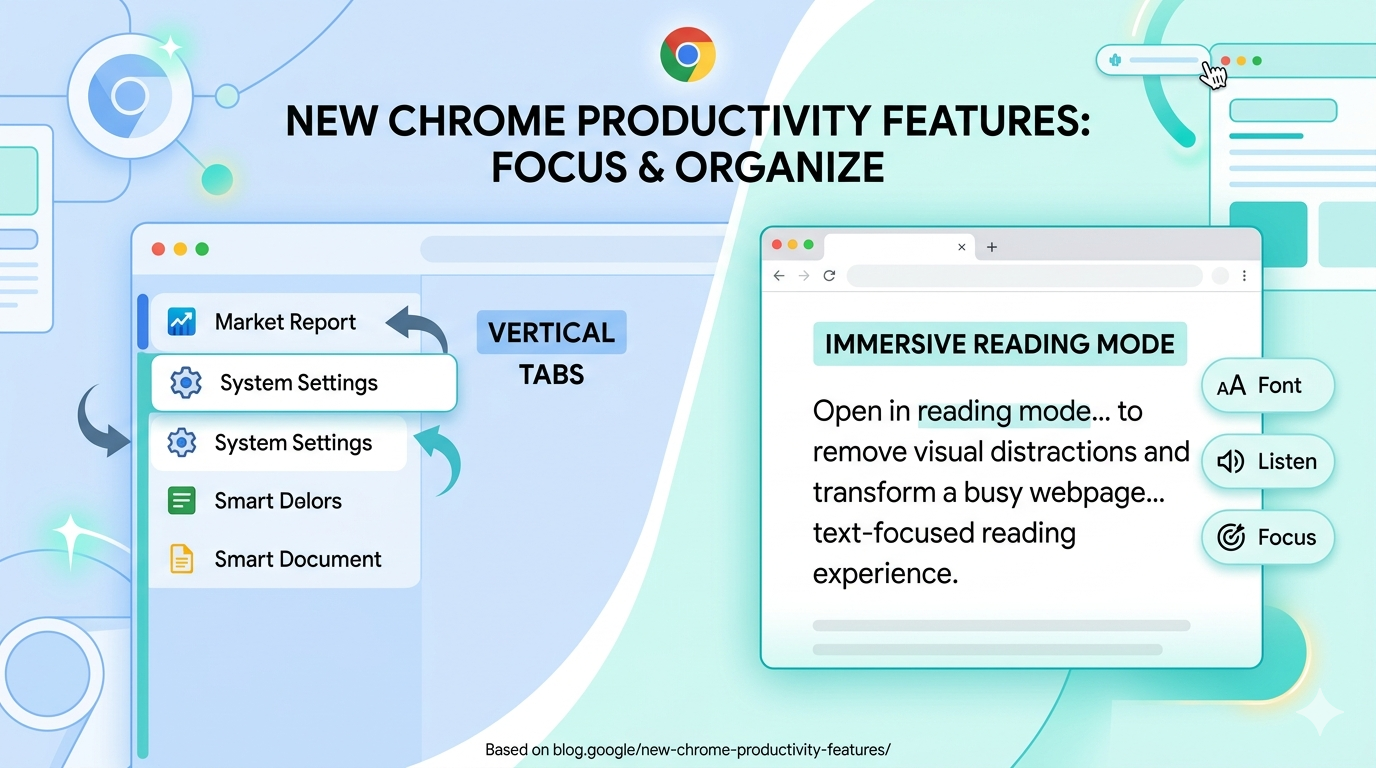
1. Vertical Tabs
This feature allows you to move your tab bar from the top of the browser to the side.
- How to use: Right-click on any Chrome window and select “Show Tabs Vertically.”
- Benefits: It makes it easier to read full page titles and manage tab groups, especially when you have many tabs open at once. It is designed to improve multitasking by ensuring tabs remain visible and organized even as the count increases.
2. Immersive Reading Mode
Building on the existing reading mode, this update introduces a new full-page interface to minimize distractions.
- How to use: Right-click on any webpage and select “Open in reading mode.”
- Benefits: It strips away visual clutter (like ads or sidebars) and transforms the page into a text-focused environment, making it better for deep focus and long-form reading.
Both features are accessed via the right-click menu and are intended to streamline the browsing experience by providing more flexibility in how users view and interact with web content.
Google Source: https://blog.google/products-and-platforms/products/chrome/new-chrome-productivity-features/
Advertisement
Continue Reading Below