How to Change Number of Posts on Archive Page in WordPress?
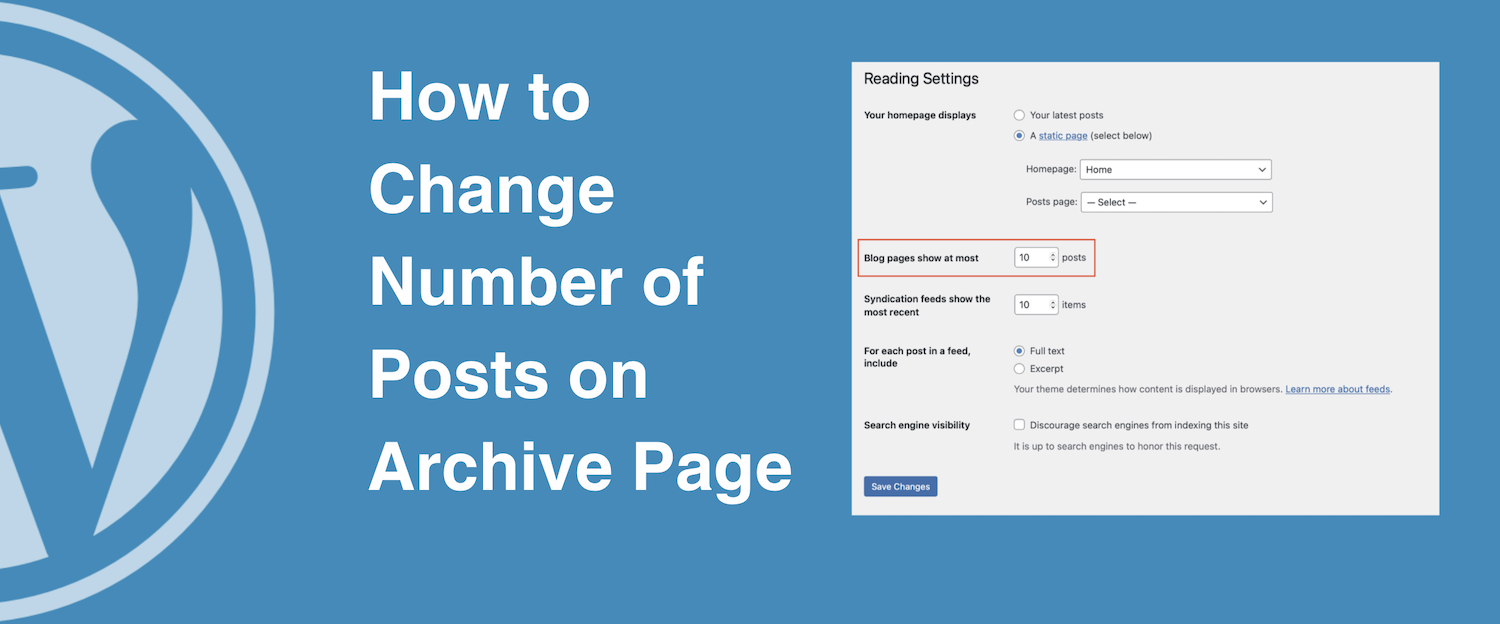
Changing the number of posts displayed on your archive pages in WordPress can be done in two main ways: through the built-in dashboard settings (which affects everything) or via a small code snippet (which allows for surgical precision).
Method 1: The Global Setting (Easiest)
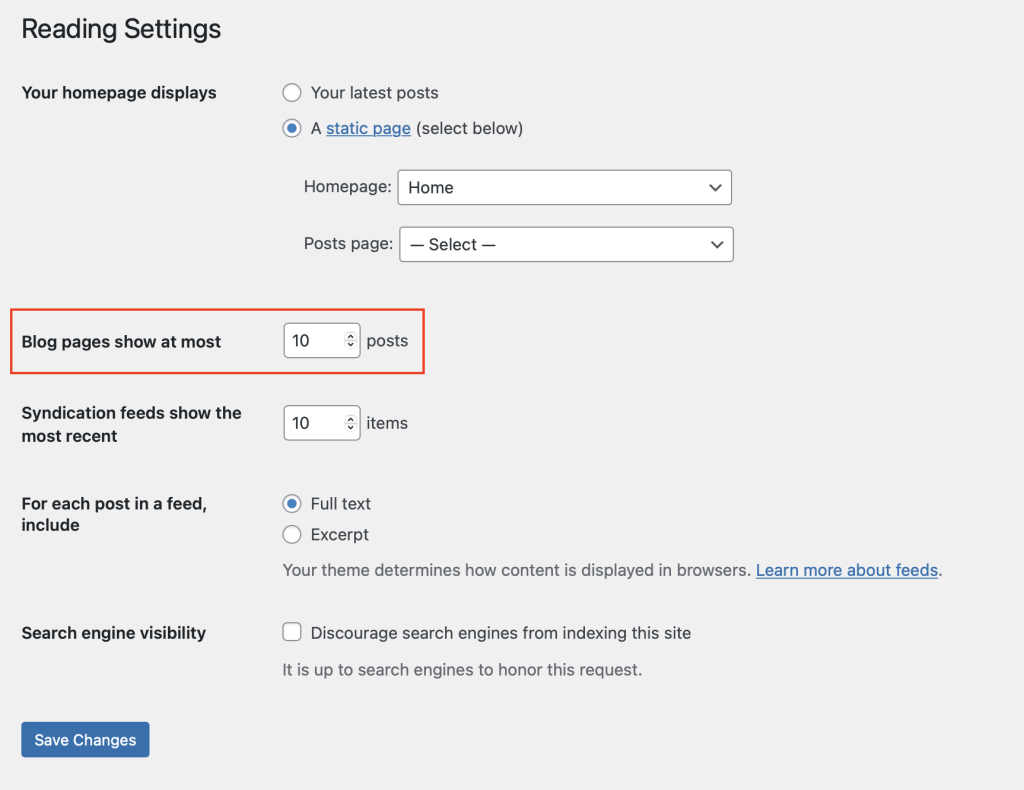
If you want to change the post count across all archives, search results, and your main blog page simultaneously, WordPress has a native setting for this.
- Log in to your WordPress Admin Dashboard.
- Navigate to Settings > Reading.
- Look for the field labeled “Blog pages show at most”.
- Change the number to your desired count (e.g., 12).
- Click Save Changes.
Method 2: Using a Code Snippet (Recommended)
To change the count only for archive pages without affecting your main blog feed or other areas, you should use the pre_get_posts hook. This is more efficient than creating a new query because it modifies the original request before it hits the database.
Add the following code to your theme’s functions.php file or a code snippets plugin:
function custom_archive_post_count( $query ) {
    // Ensure we are in the admin dashboard and it's the main query
    if ( !is_admin() && $query->is_main_query() ) {

        // Check if we are on an archive page (Category, Tag, Author, etc.)
        if ( is_archive() ) {
            $query->set( 'posts_per_page', 15 ); // Change 15 to your desired number
        }
    }
}
add_action( 'pre_get_posts', 'custom_archive_post_count' );
Why use pre_get_posts?
- Performance: It alters the query before the database is even called, making your site faster.
- SEO: It ensures pagination works correctly. If you manually use
query_postsin a template file, you will often break your “Next/Previous” page links.
Method 3: Using a Page Builder (Elementor/Divi)
If you are using a page builder to design your archive templates:
- Elementor Pro: Edit your “Archive Template” in the Theme Builder. Click on the Archive Posts widget, and under the Content tab, you will see a “Posts Per Page” setting. This will override the WordPress default.
- Divi: In the Theme Builder, edit your Archive layout. Open the Blog Module settings and adjust the “Post Count” option.
Check your Theme Settings
Many modern premium themes (like Astra, GeneratePress, or OceanWP) have a specific setting inside the Customizer(Appearance > Customize) under “Blog” or “Archive” layouts where you can toggle this number without touching a single line of code.