Loops in Scratch
233
06/09/2026
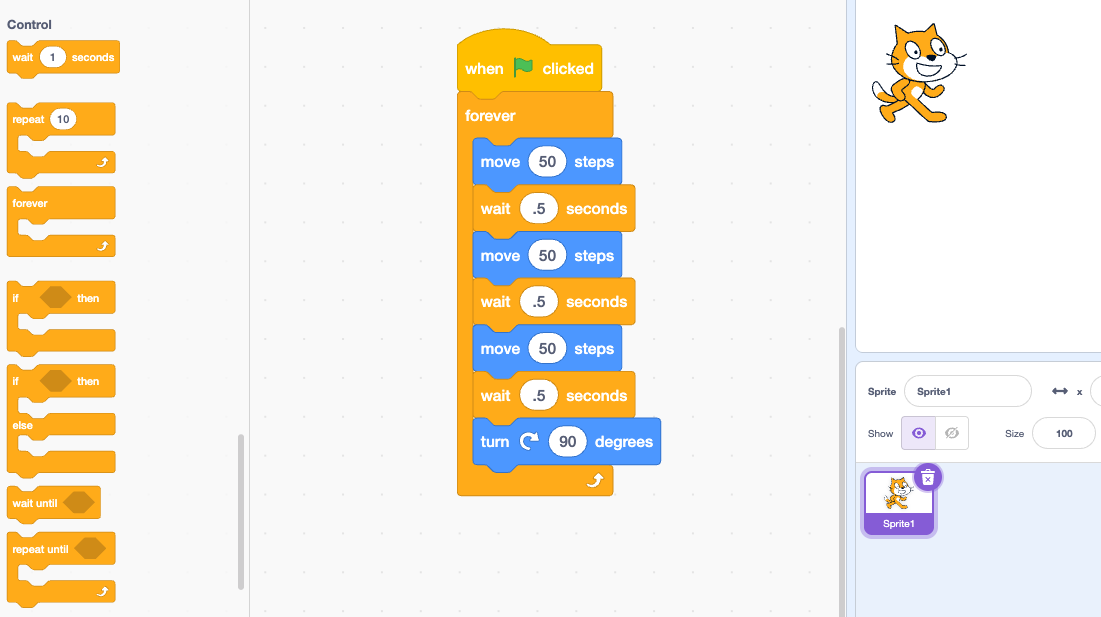
Loop blocks are used to repeat a sequence of instructions multiple times or continuously. They are essential for making programs more efficient, reducing code duplication, and handling tasks like animations, game loops, and continuous user input.
Types of Loops in Scratch
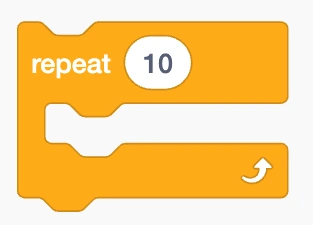
Repeat Loop (Fixed-Count Loop)
- What it does: Executes the blocks nested inside it a precise, set number of times.
- How it works: You specify the number inside the numeric input field (e.g., repeat 10). Once the code inside has run that exact number of times, the script moves on to any blocks placed below the loop.
- Common Use Case: Drawing geometric shapes (like a square by moving and turning 4 times) or playing a sound a specific number of times.
Forever Loop (Infinite Loop)
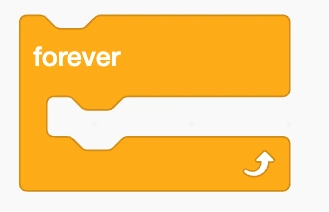
- What it does: Continuously runs the blocks inside it over and over again without stopping, indefinitely.
- How it works: It will loop endlessly until the user clicks the red Stop sign in Scratch or a script-stopping block (stop all) is triggered.
- Common use cases: Keeping a game running, continuously checking for keyboard input, moving a background element, or making a character patrol back and forth.
Repeat Until Loop (Conditional Loop)
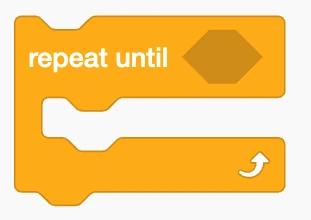
- What it does: Repeats the blocks inside it until a specific Boolean (hexagon-shaped) condition becomes true.
- How it works: Before each cycle, Scratch checks the condition. If the condition is false, the loop runs. The moment the condition evaluates to true, the loop breaks, and the script moves to the next block outside the loop.
- Common use cases: Countdown timers, waiting until a sprite touches an edge or another object, or running a game level until the player’s health reaches zero.
Why Use Loops?
- Efficiency: Prevents you from having to drag and snap the exact same blocks dozens of times.
- Maintainability: If you need to change a repetitive action, you only have to edit the code inside the loop once rather than changing it across multiple identical blocks.
- Dynamic Behavior: Allows programs to respond fluidly to gameplay elements and user interaction via conditional loops (repeat until).
AdvertisementContinue Reading Below