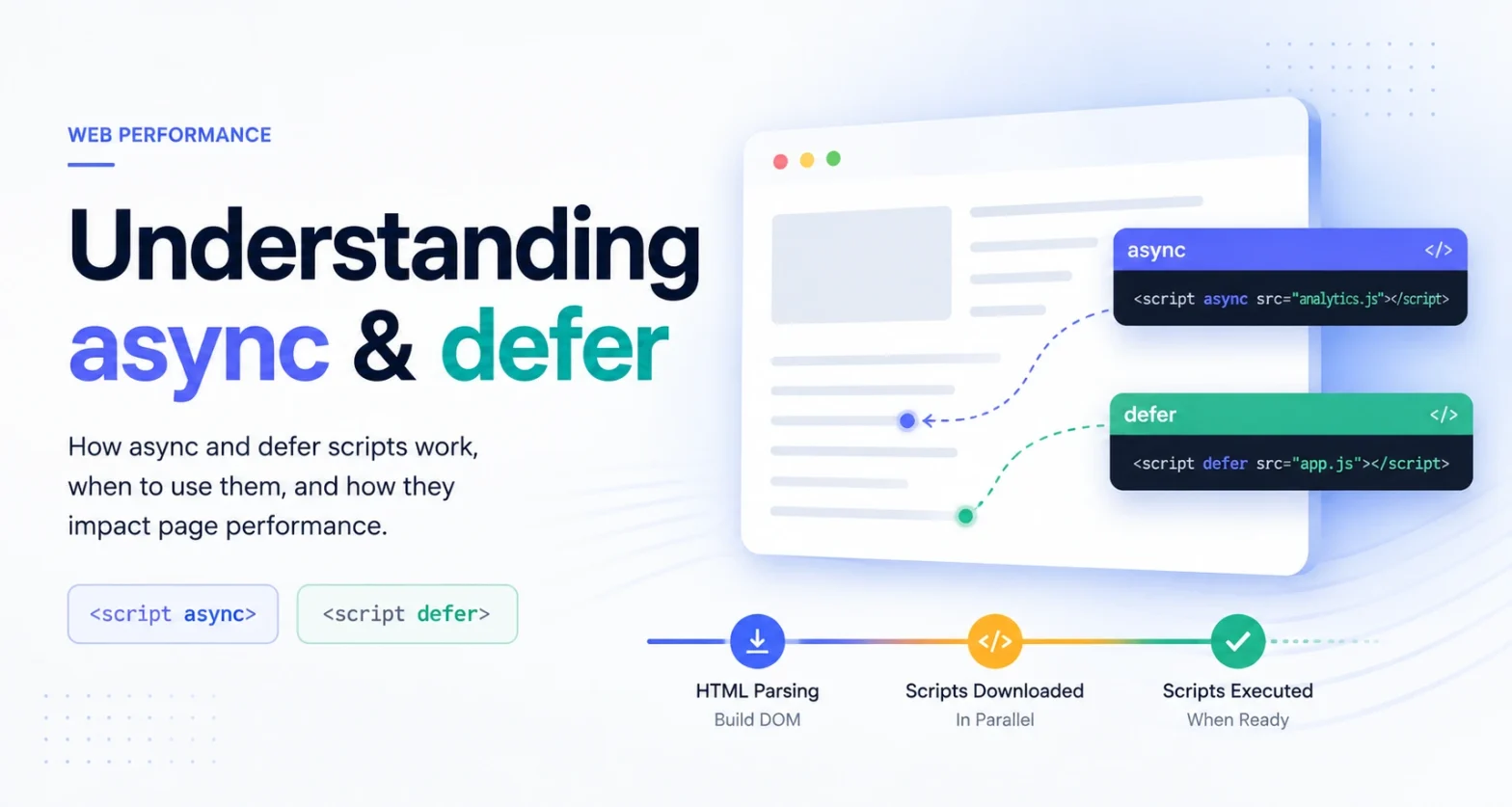
Understanding async & defer
How HTML script loading attributes alter parser blocking, background network fetches, and DOM execution order explained through interactive timeline simulations and live execution logs.
HTML parsing stops immediately. The browser fetches the script over the network and executes it before resuming HTML parsing.
Downloads in background while HTML parses. As soon as download finishes, HTML parsing pauses to execute the script immediately.
Downloads in background without blocking parsing. Executes in document order after HTML parsing is completely finished.
Browser Execution Timeline
Click “Play Simulation” or drag the slider to observe how the browser parses HTML nodes and schedules JavaScript execution.
Side-by-Side Behavior Matrix
A comprehensive breakdown of network lifecycle, DOM blocking, execution ordering, and document readiness guarantees.
| Feature / Behavior | Standard <script> | <script async> | <script defer> |
|---|---|---|---|
| HTML Parsing During Fetch | ❌ Blocked (Paused) | ✓ Unblocked (Parallel) | ✓ Unblocked (Parallel) |
| HTML Parsing During Execution | ❌ Blocked (Paused) | ❌ Blocked (Interrupts DOM) | ✓ Unblocked (After HTML Parse) |
| Execution Order Guaranteed? | ✓ Yes (Document Order) | ❌ No (First Downloaded First) | ✓ Yes (Document Order) |
| DOMContentLoaded Blocked? | Yes (Waiting for script) | Only if script executes beforehand | Guaranteed before event |
| DOM Elements Guaranteed Ready? | ❌ Only elements above tag | ❌ Not guaranteed | ✓ Fully constructed DOM ready |
| Primary Purpose & Use Cases | Legacy scripts or critical inline initialization required before rendering. | Independent 3rd-party trackers, ads, analytics (Google Analytics, Sentry). | Main application code, UI frameworks, scripts dependent on DOM or other modules. |
Which attribute should you use?
Answer 3 simple questions to receive a tailored script loading strategy.
defer in the <head>
Since your script interacts with DOM elements and relies on execution order, defer is ideal. It downloads in parallel without blocking HTML parsing, guarantees DOM readiness, and maintains script order.
<script defer src="main.js"></script>
DevTools Execution Sandbox
<!DOCTYPE html>
<html>
<head>
  <script defer src="analytics.js"></script>
  <script defer src="app.js"></script>
</head>
<body>
  <h1 id="title">Hello World</h1>
</body>
</html>
Edge Cases & Modern Rules
Important nuances involving inline scripts, ES modules, dynamic injection, and Web Vitals impact.
Inline Scripts Ignore async & defer
Applying async or defer to inline script tags (without a src attribute) is ignored by modern browsers. Inline scripts always execute synchronously and block the HTML parser unless declared as type="module".
ES Modules Default to defer Automatically
When using <script type="module" src="...">, the browser automatically applies defer behavior by default! Module scripts download in parallel and defer execution until HTML parsing completes. You can explicitly add async to execute a module as soon as it arrives.
Dynamic Scripts (document.createElement) Default to async
Scripts created via JavaScript (document.createElement('script')) automatically have script.async = true set by the spec! If you need ordered execution for dynamically inserted scripts, you must explicitly set script.async = false.
Impact on Core Web Vitals (INP, LCP, FCP)
Replacing render-blocking standard scripts with defer directly improves First Contentful Paint (FCP) and Largest Contentful Paint (LCP) by preventing parser pause. Offloading non-critical scripts to async reduces main thread jank and improves Interaction to Next Paint (INP).